

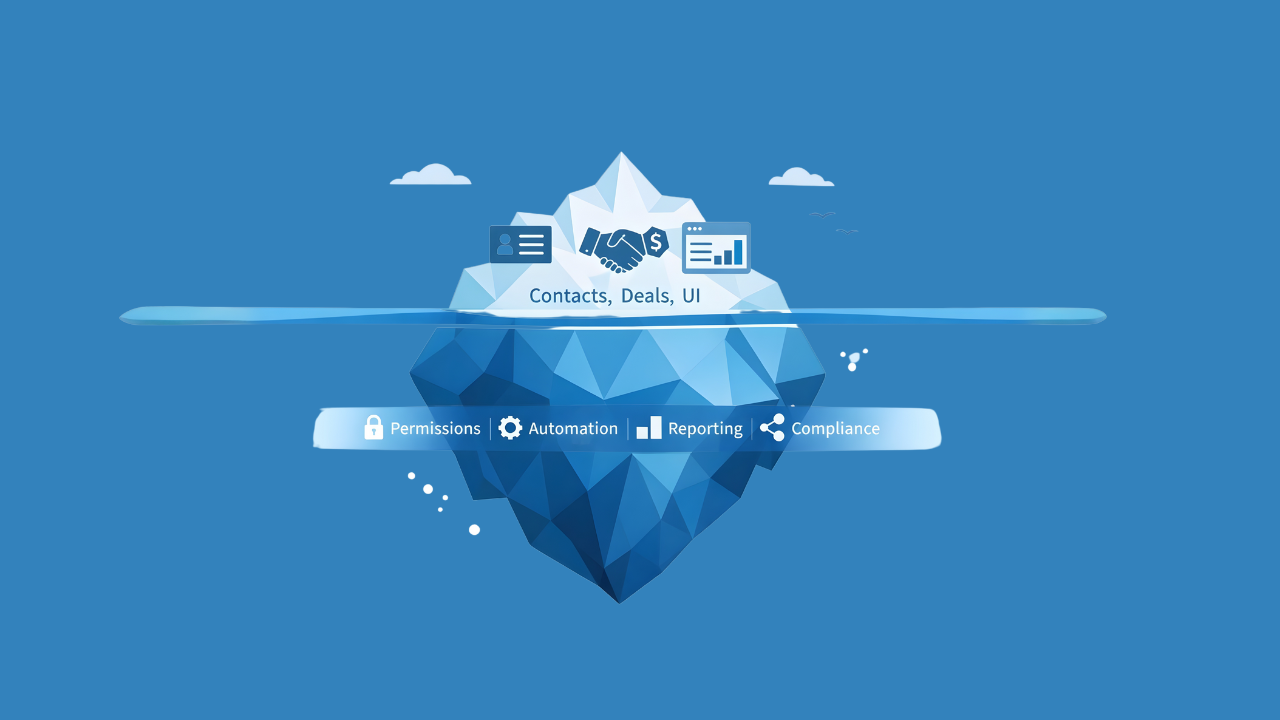
If you’ve ever thought, “Salesforce is expensive… why don’t we just build our own CRM?” — you’re not wrong for asking.
Because yes, you can build a basic CRM: a database, a few screens, some reports, and a login page.
But companies don’t pay Salesforce because they can’t build version 1. They pay because building a CRM that stays secure, reliable, scalable, and easy to change for years is where the real cost lives.
The big misconception: “CRM = tables + UI”
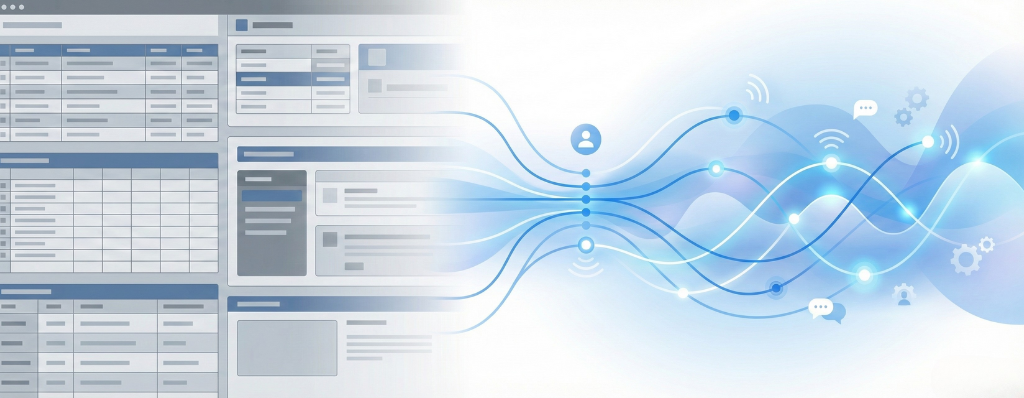
- Who should see which accounts? (reps vs managers vs finance)
- How do we prevent bad data from entering?
- How do we automate lead routing, approvals, and notifications?
- How do we build dashboards leadership trusts?
- How do we audit changes and meet security or compliance needs?
- What happens when integrations fail silently?
That’s when a “simple CRM” turns into a real product you must own.
What you’re really paying for with Salesforce
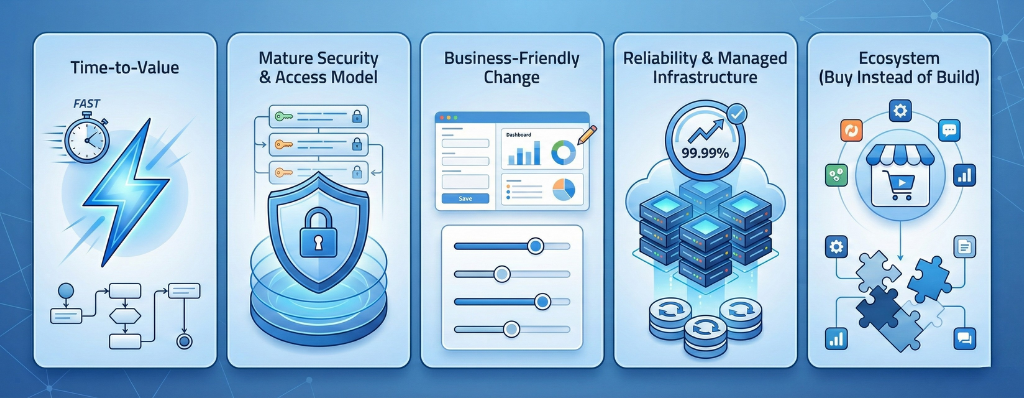
1) Time-to-value
Salesforce is a ready platform. Teams can roll out usable workflows much faster than building everything from scratch.
2) A mature security and access model
Permissions, field-level access, sharing rules, and audit trails are core to Salesforce. In custom CRMs, these often become scattered logic that grows fragile over time.
3) Business-friendly change (less engineering bottleneck)
Many updates don’t need a full development sprint:
- new fields
- validation rules
- simple automation
- reports and dashboards
4) Reliability and “boring” engineering you don’t want to own
In a custom CRM, you own uptime, monitoring, backups, patching, incident response, and performance issues. Salesforce doesn’t remove all problems — but it reduces how much infrastructure burden your team carries.
5) Ecosystem (buy instead of build)
Need document generation, e-signature, telephony, CPQ, or data enrichment? Salesforce offers a marketplace so you’re not reinventing everything internally.
Reference:
https://appexchange.salesforce.com/
What you’re really paying for when you build your own CRM
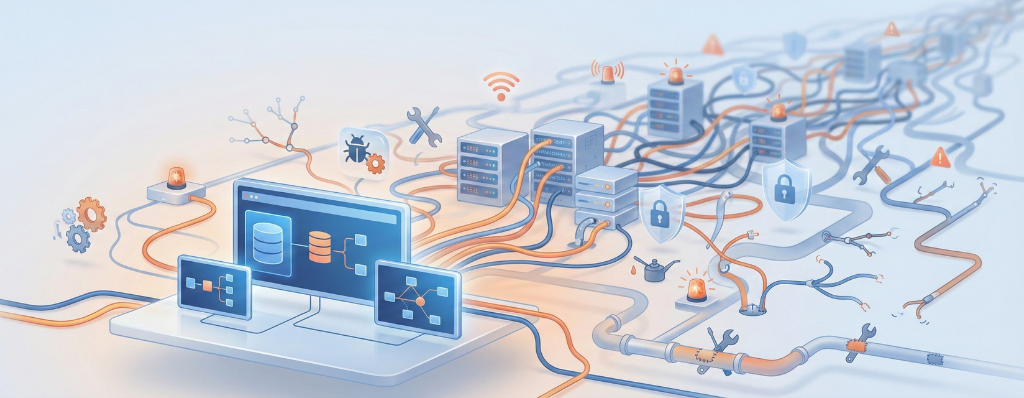
The cost isn’t just “developer salary.” It’s long-term ownership.
Think of it as:
- Build cost – the first version (screens, database, initial integrations)
- Run cost – support tickets, bugs, infrastructure, monitoring, security patches
- Change cost – every “quick update” becomes backlog work forever
- Risk cost – downtime, data leaks, broken routing, poor adoption, key devs leaving
The biggest mistake is comparing Salesforce licensing to only the cost of building version one.
When building your own CRM actually makes sense
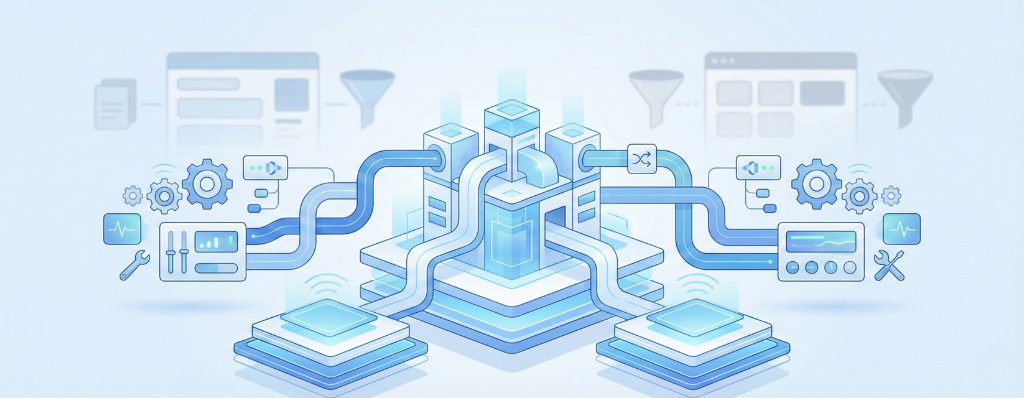
Building can be the right decision when:
- CRM is core product IP and a competitive advantage
- Workflows are truly unique and standard CRMs don’t fit
- You have a strong internal platform team (product ownership + DevOps + support)
- You’ve done the 3–5 year TCO math and licensing is genuinely the limiting factor
A quick decision checklist
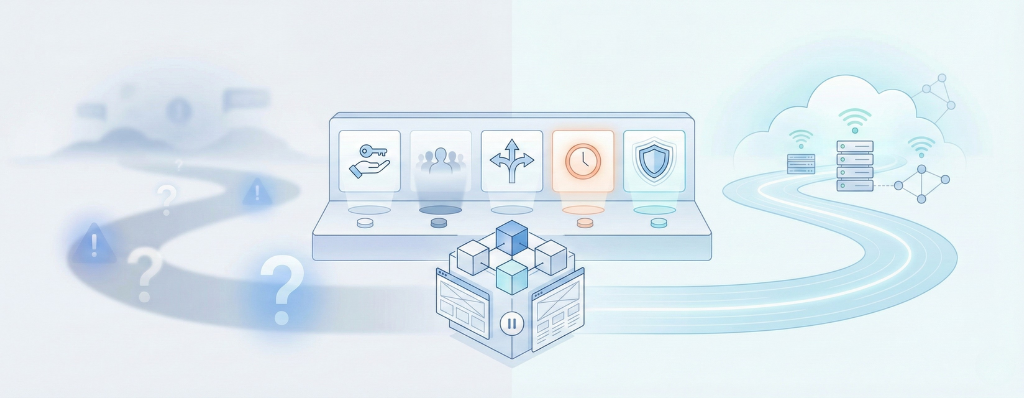
Before choosing “build,” answer these honestly:
- Who will own this system as a product for the next 5 years?
- What happens if the original builders leave?
- How often will the business request changes?
- What’s the cost of CRM downtime for one day?
- Do we need complex access rules and auditability?
If those answers are unclear, Salesforce usually ends up cheaper in reality — even if it looks expensive on paper.
Conclusion
Salesforce isn’t “just a CRM.” You’re paying for a platform that reduces long-term operational pain: security, automation, reporting, reliability, and ecosystem.
You can build your own CRM.
The real question is: do you want to own it forever?
References / Further Reading
Salesforce Sales Cloud Pricing
https://www.salesforce.com/sales/pricing/
Salesforce Data Access & Security (official docs)
https://developer.salesforce.com/docs/atlas.en-us.securityImplGuide.meta/securityImplGuide/security_data_access.htm
Salesforce Flow Automation
https://help.salesforce.com/s/articleView?id=sf.flow.htm&type=5
Salesforce AppExchange
https://appexchange.salesforce.com/
Salesforce Trust
https://trust.salesforce.com/
Salesforce Status
https://status.salesforce.com/
OWASP Top 10 (web security risks)
https://owasp.org/www-project-top-ten/
NIST Cybersecurity Framework
https://www.nist.gov/cyberframework
Technical Debt – Martin Fowler
https://martinfowler.com/bliki/TechnicalDebt.html