



If you’re tracking leads in spreadsheets or following up with customers through emails, you’re not alone. Most small businesses start that way — but the moment your leads grow, things get messy fast.
That’s where Salesforce Free Suite helps.
It’s a free Salesforce CRM designed for individuals and very small teams who want to organize sales and customer support without spending money upfront. You can start quickly, get a clean CRM setup, and build better habits before upgrading to a paid plan.
What is Salesforce Free Suite?
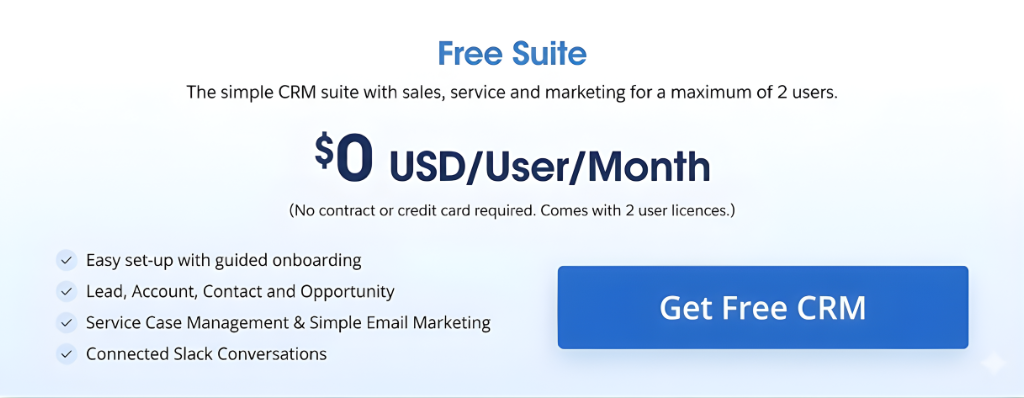
Salesforce Free Suite is Salesforce’s entry-level CRM offering that costs $0 and is meant for up to 2 users.
It’s best seen as a “starter toolbox” — you get the essentials of CRM:
- customer records
- deal tracking
- support case basics
- light email marketing
- Slack collaboration
It’s not meant to replace a full Salesforce implementation, but it’s a great way to begin if you’re new to CRM.
What You Get in Salesforce Free Suite
1) Sales Tools (CRM Basics)
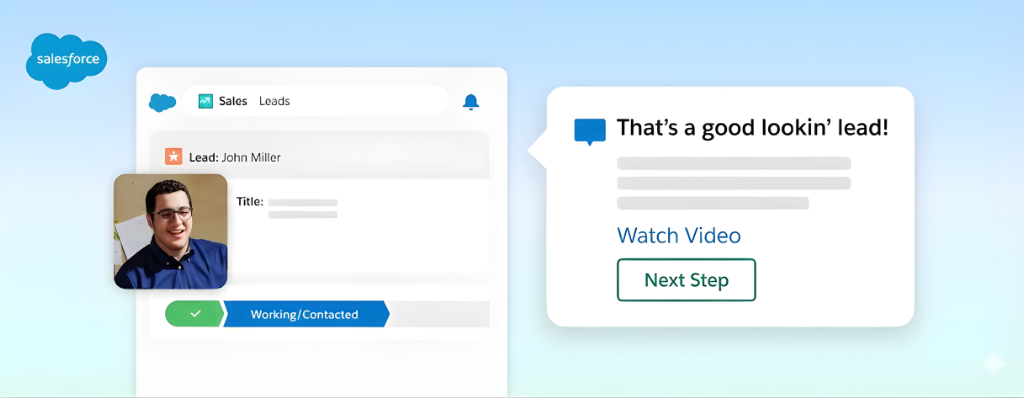
This is the core value for most small teams.
You can manage:
- Leads (new potential customers)
- Accounts & Contacts (customers and people)
- Opportunities (your deals and pipeline)
- Tasks & activities (follow-ups, reminders, notes)
You also get reports and dashboards, so you can see:
- how many leads are coming in
- what’s in your pipeline
- what’s closing (and what’s stuck)
Ideal for: freelancers, consultants, small agencies, and 2-person sales teams
2) Service Tools (Simple Support Setup)
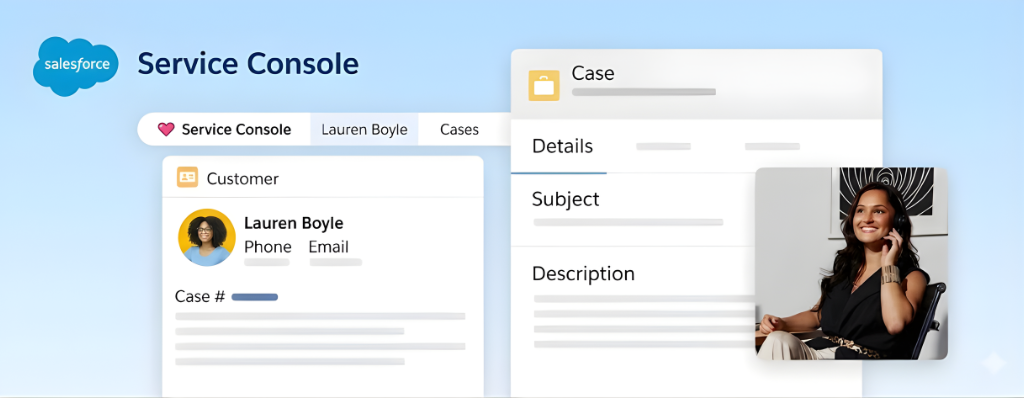
If you support customers through email and it’s getting hard to track who asked what, Free Suite gives you a basic support structure.
You can use:
- Case management (track customer issues)
- Email support basics
- Knowledge articles (simple FAQ-style help content)
Ideal for: small product businesses, service providers, and any team that wants cleaner customer support
3) Marketing Tools (Light Email Outreach)
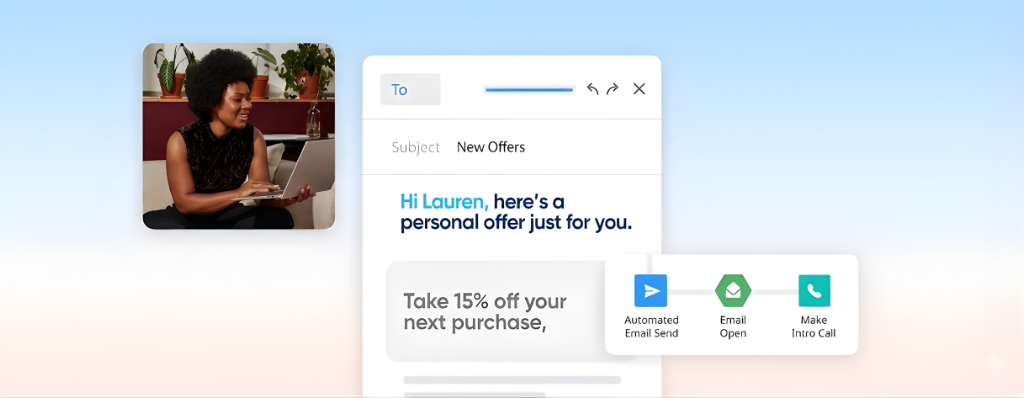
Free Suite includes simple email marketing features such as:
- ready-made templates
- basic email creation
- a monthly sending limit (100 emails/month)
This is not full marketing automation — but it’s useful for:
- sending a small newsletter
- reactivating old leads
- sending an update to your customers
Ideal for: early-stage outreach and small contact lists
4) Slack Integration (Collaboration for Small Teams)
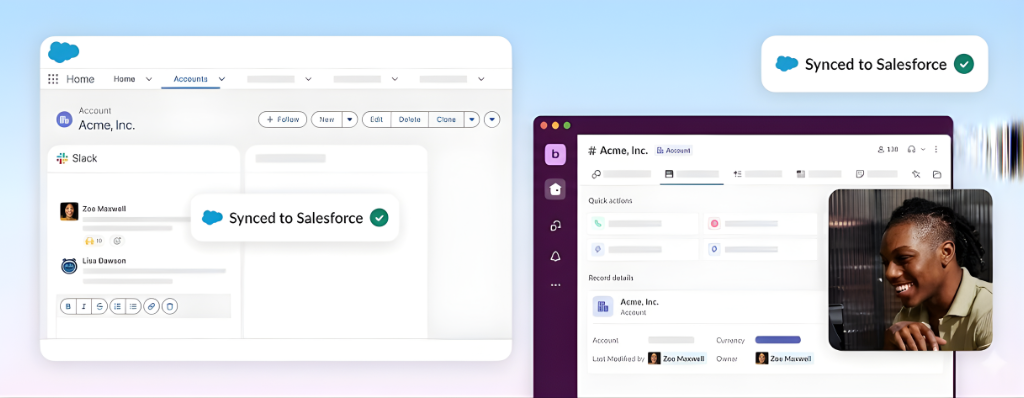
Salesforce also includes Slack connectivity in Free Suite so your team can collaborate faster and keep updates tied to customer records.
Ideal for: teams who already use Slack and want sales + support discussions in one place
The Biggest Limitations (So You’re Not Surprised)
Salesforce Free Suite is powerful for a free product, but it has clear limits:
Limit #1: Only 2 Users
This is the biggest one. If your team is 3+ people, you’ll outgrow it quickly.
Limit #2: Limited Customization
Compared to paid Salesforce editions, Free Suite is more “out of the box.”
That means fewer customization options (great for simplicity, but not for complex business processes).
Limit #3: Minimal Automation
If you’re expecting advanced automation (routing, complex workflows, lots of process logic), you’ll likely need a paid plan.
Limit #4: Small Email Sending Limit
100 emails/month is helpful for testing, but not for regular large campaigns.
Conclusion
Salesforce Free Suite is a smart starting point if you’re a solo founder or a 2-person team that wants to move beyond spreadsheets and manage customers in a proper CRM—without paying anything upfront. You get the essentials to track leads, deals, basic support cases, light email outreach, and team collaboration through Slack, all in one place.
Just keep the limits in mind: it’s capped at 2 users, includes minimal automation, and offers limited customization. Once you start needing more users, stronger workflows, or bigger marketing capability, that’s your signal to upgrade to a paid plan like Starter Suite.
A good rule: if you’re consistently using Free Suite and feel blocked by limits, that’s the right time to move up.