


Limitations of Traditional CloudPages
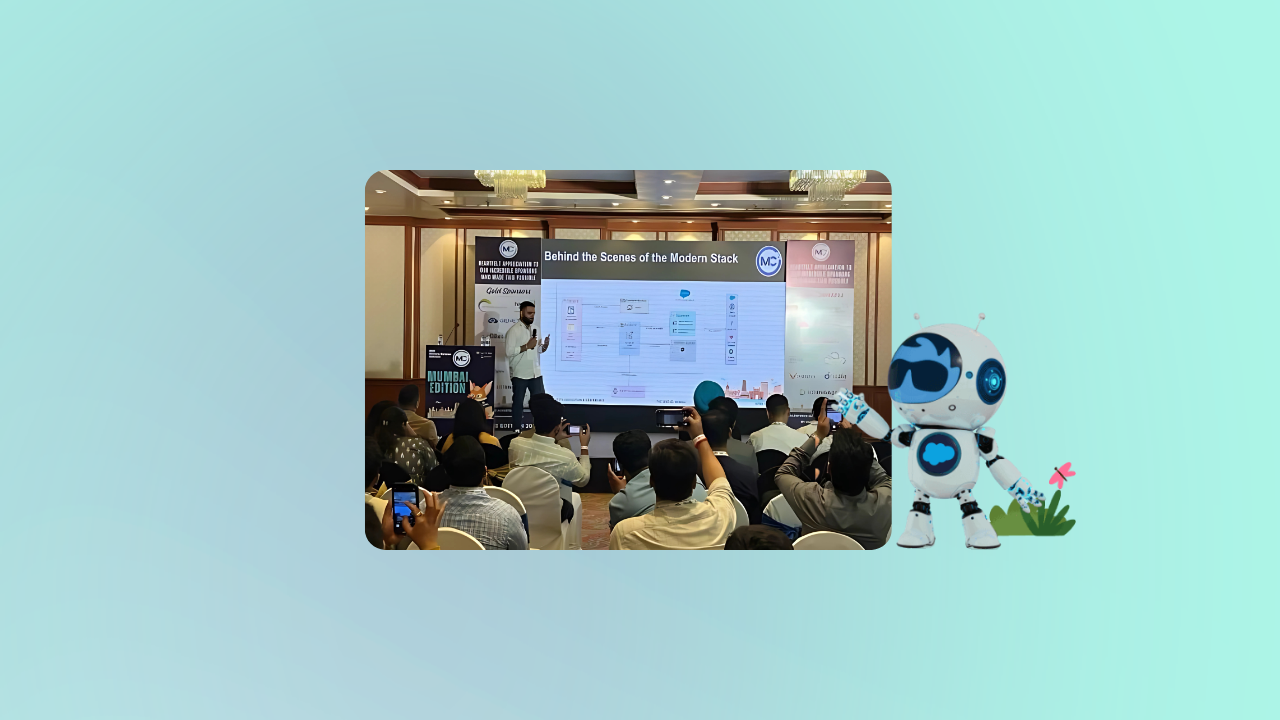
Yuvraj explained that many CloudPages still use outdated techniques that no longer meet today’s standards. He highlighted these key issues:
- Static Content: Many pages are built with basic HTML and CSS, which restricts the ability to update or change content based on user activity.
- Slower Performance: Conventional rendering methods cause longer load times, affecting user experience and operational costs.
- Mobile Design Challenges: Creating consistent layouts on mobile devices often requires complex CSS, leading to design inconsistencies across screens.
What a Modern Approach Can Offer?
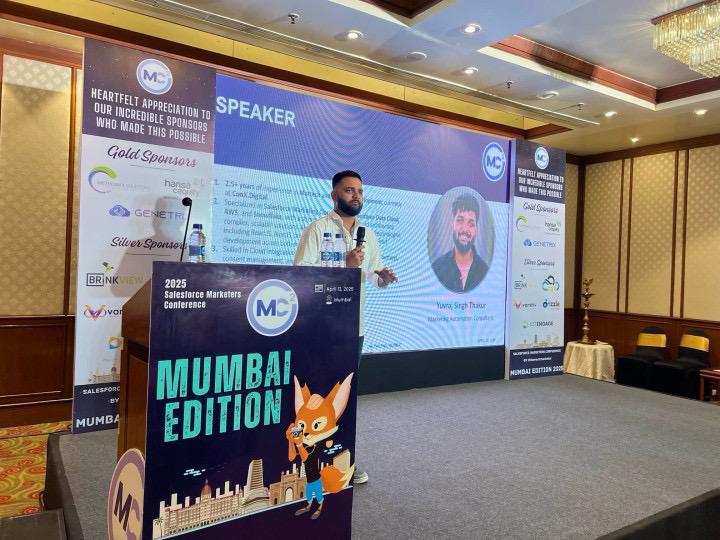
To address these issues, Yuvraj recommended adopting a modern web stack. This makes it possible to build CloudPages that are faster, smarter, and capable of reacting to customers in real time.
Instant Content Adaptation
Pages adjust content on the fly based on user actions, delivering a personalised experience without full reloads and reducing the credit consumption for cloudpages.
Enhanced Interactivity with React
React updates only the changed parts of a page, powering faster single-page applications that keep users engaged.
Automatic Journey Triggers
Visitor interactions can immediately start customized customer journeys, simplifying campaign processes.
Live Data Integration
Server-side JavaScript (SSJS) and APIs built on SSJS (hosted in coderesources) let your page pull fresh data from other systems without slowing it down.
Yuvraj didn’t stop at theory. He also shared examples of how this modern approach can be applied to real marketing scenarios, including:
- Collecting customer feedback through forms that provide immediate, personalised responses.
- Displaying real-time personalized advertisements on cloud pages.
- Building dashboards for loyalty program members, showing them their rewards, activity history, and real-time offers.
- Displaying landing page content that changes based on what the visitor has viewed or clicked on before makes every interaction more meaningful.
A quick overview of React JS, Tailwind CSS, and Server-Side JavaScript (SSJS)
During the session, we learned how React JS, Tailwind CSS, and Server-Side JavaScript (SSJS) can create faster, mobile-friendly, smart CloudPages in Salesforce Marketing Cloud.
React JS
- React JS is a library made by Meta to build user interfaces. It uses the concept of Virtual DOM to update only the parts of the page that change, making the page load faster.
- You build pages using components—small blocks of code that can be reused. This makes your code easier to manage. It works well with APIs, so you can easily pull in or send data from other systems and other components on the same page.
Tailwind CSS
- Tailwind CSS is a utility-first framework. That means you can style elements directly in your HTML using simple classes like text-center or p-4.
- It supports mobile-first design, so your pages work well on all devices. Tailwind removes any unused CSS when you publish your application, keeping your page light and fast. You can change colors, spacing, and fonts in one file, making it easy to maintain a consistent design.
Server-Side JavaScript (SSJS)
- SSJS runs on Salesforce’s servers. It lets you work with data safely without showing sensitive details in the browser.
- You can use it to read from and write to Data Extensions, connect to other systems using APIs, and trigger journeys in real-time. SSJS gives you more control than AMPscript and helps personalize each user’s experience.
Using React JS, Tailwind CSS, and SSJS together helps you build CloudPages that load fast, look good on any device, and offer a personalized experience. This modern setup is easy to manage and ready to scale as your needs grow.
Conclusion
Yuvraj explained that updating CloudPages goes beyond faster load times. It’s about creating pages that connect with users through interactive, personalized content. Marketers using Salesforce Marketing Cloud must adopt innovative approaches as customer expectations rise.
The payoff? Happier customers, fewer technical issues, and better results from marketing efforts.
This post summarizes Yuvraj’s Mc2 event session. All credit for technical examples and concepts goes to the presenter.