

Claude Tag brings Claude directly into Slack, allowing teams to use it inside the conversations where they already work.
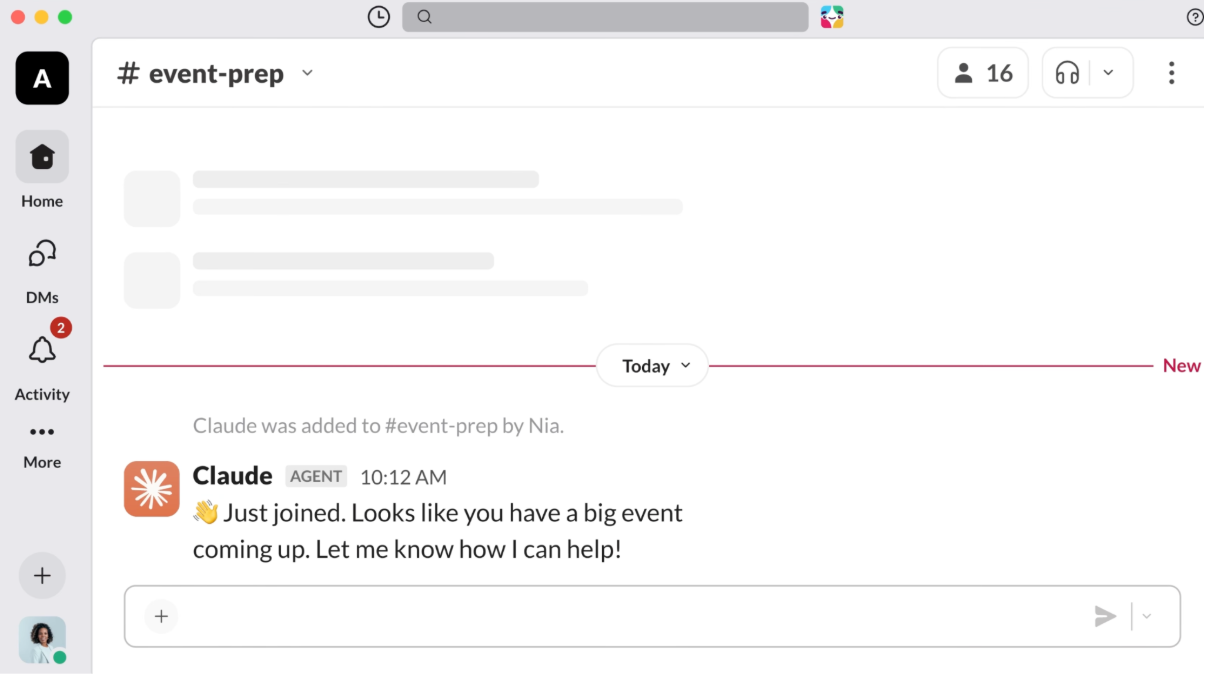
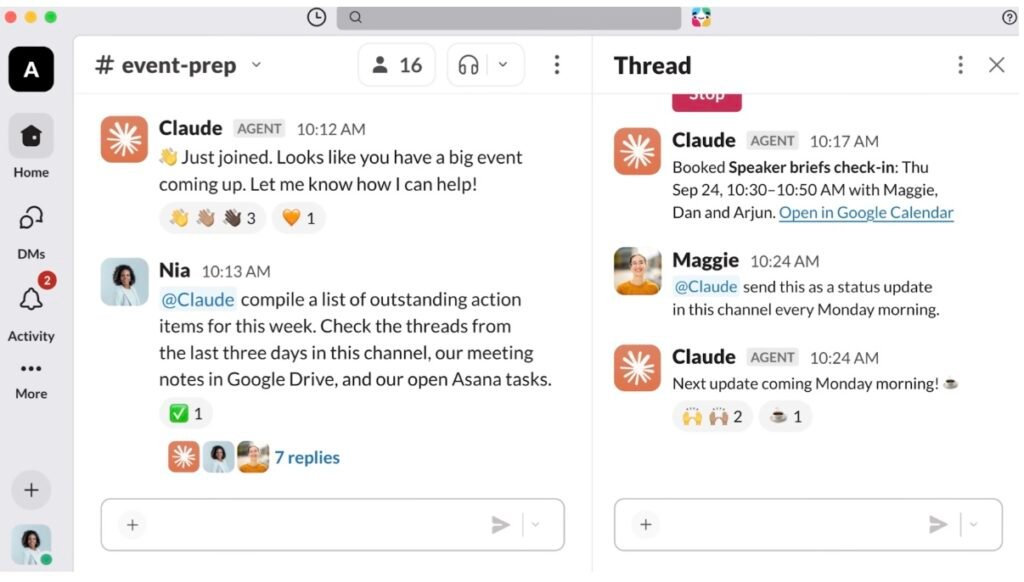
Instead of opening Claude in a separate window, team members can mention @Claude in Slack and give it a task. Claude can use the surrounding conversation, its available tools, and information it has been allowed to access.
What is Claude Tag?
Claude Tag is Anthropic’s Slack-based experience for working with Claude as part of a team.
A simple example would be: @Claude summarize this discussion and list the action items.
Claude can work on the request directly in the Slack thread. Everyone in the channel can see the exchange, and other team members can continue the work by giving Claude more instructions.
Anthropic describes Claude Tag as a shared Claude presence in a channel rather than a separate private assistant for each person.
How does Claude Tag work?
The basic process is straightforward.
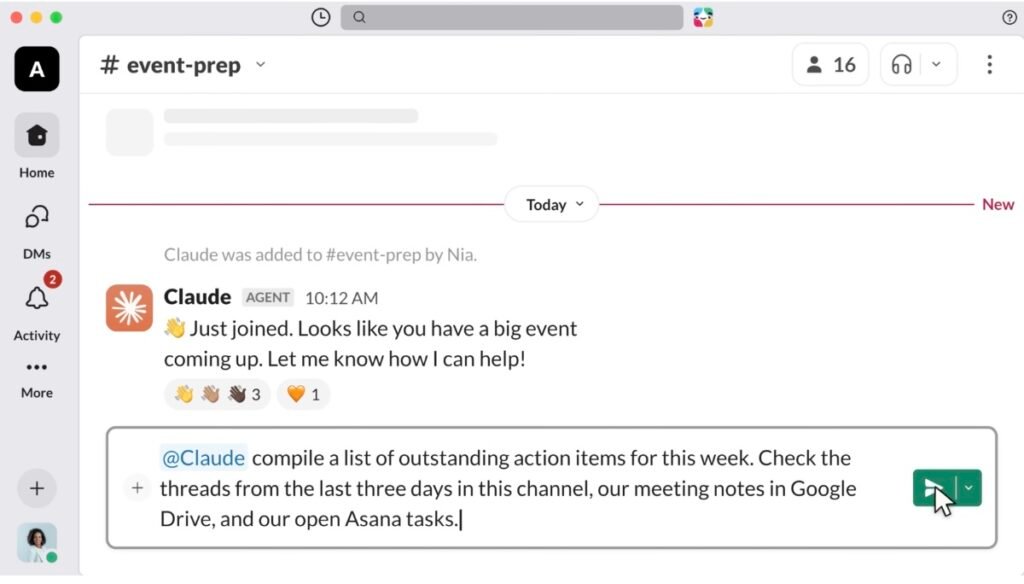
A user tags @Claude and describes what needs to be done. Claude uses the context around the request and the access configured for that Slack environment.
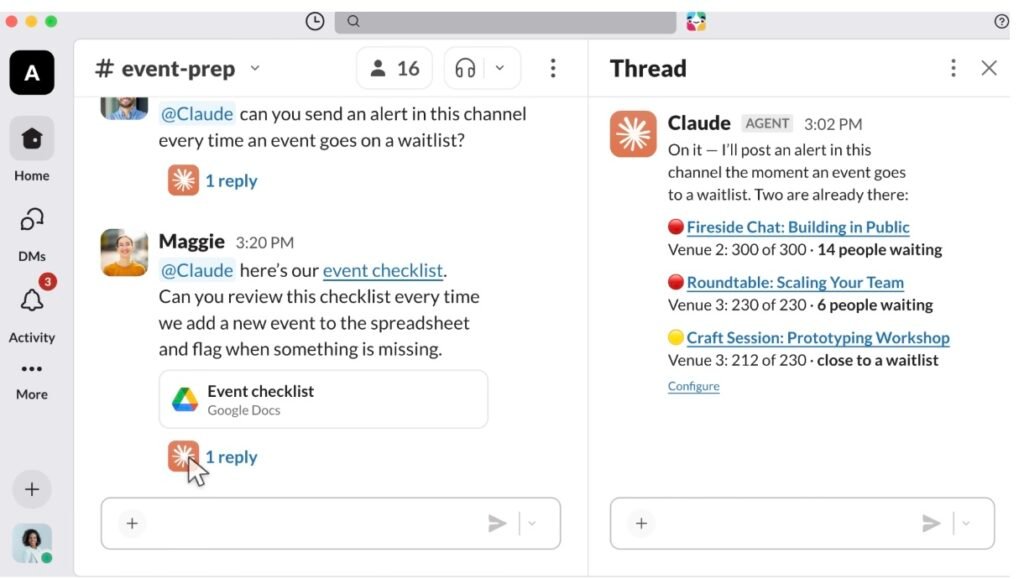
Claude can also work with connected tools. Anthropic’s documentation describes using Claude with business systems and services through configured connections. Depending on the setup, Claude can query information, perform actions, and return the result to the Slack conversation.
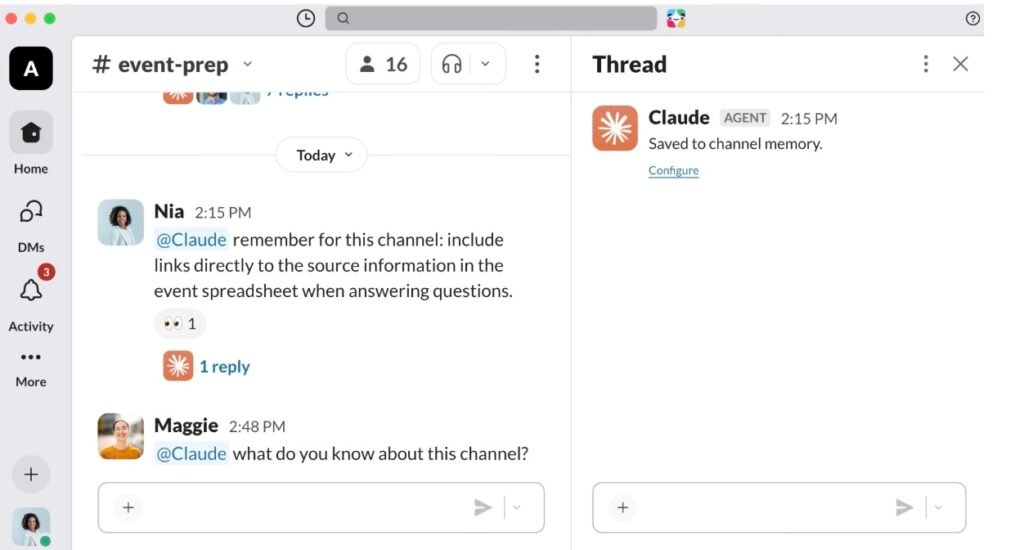
Claude also keeps context through channel and workspace memory. Owners can review, edit, or delete that memory.
What can teams use Claude Tag for?
The exact use cases depend on which tools and data an organization connects.Anthropic gives examples such as asking Claude to organize a long Slack conversation into action items, work with business data, help with software development tasks, file tickets, and produce reports or summaries.
The common idea is that the work starts in Slack, where the relevant conversation is already available.
Can Claude work on its own?
Yes, but this depends on how Claude Tag is configured.
Anthropic says teams can give Claude standing instructions and schedule recurring work. For example, Claude can produce a regular digest or monitor a channel for information that needs attention.
Claude can also participate without being explicitly mentioned when its proactive behavior is enabled and it determines that its help is relevant.
This is different from simply asking a question and getting one answer. The idea is that Claude can continue working on certain tasks after the original request.
What are personal connectors?
Anthropic added personal connector support to Claude Tag on September 24, 2026.
Previously, Claude Tag in a channel could use connectors configured by an administrator for that channel. With personal connectors, Claude can also use connectors connected to an individual user’s Claude account when that person makes a request in a Slack channel.
Anthropic gives examples such as a user’s calendar, drive, CRM information, or staging deployments.
There is an important distinction: personal connectors belong to the individual user, while shared channel connectors are controlled by the organization. Information Claude posts into a Slack channel can still be seen by people who have access to that channel.
Who can use Claude Tag?
As of September 30, 2026, Claude Tag is available in beta for customers on Claude Team and Enterprise plans using Slack.
Anthropic’s Help Center says Claude Tag is not currently available on Free, Pro, or Max plans. The same documentation also says Claude Tag works in Slack today.
Anthropic’s product page currently lists Microsoft Teams as coming soon, with a waitlist available.
What should teams consider?
Claude Tag can be connected to company tools and data, so access needs to be configured carefully.
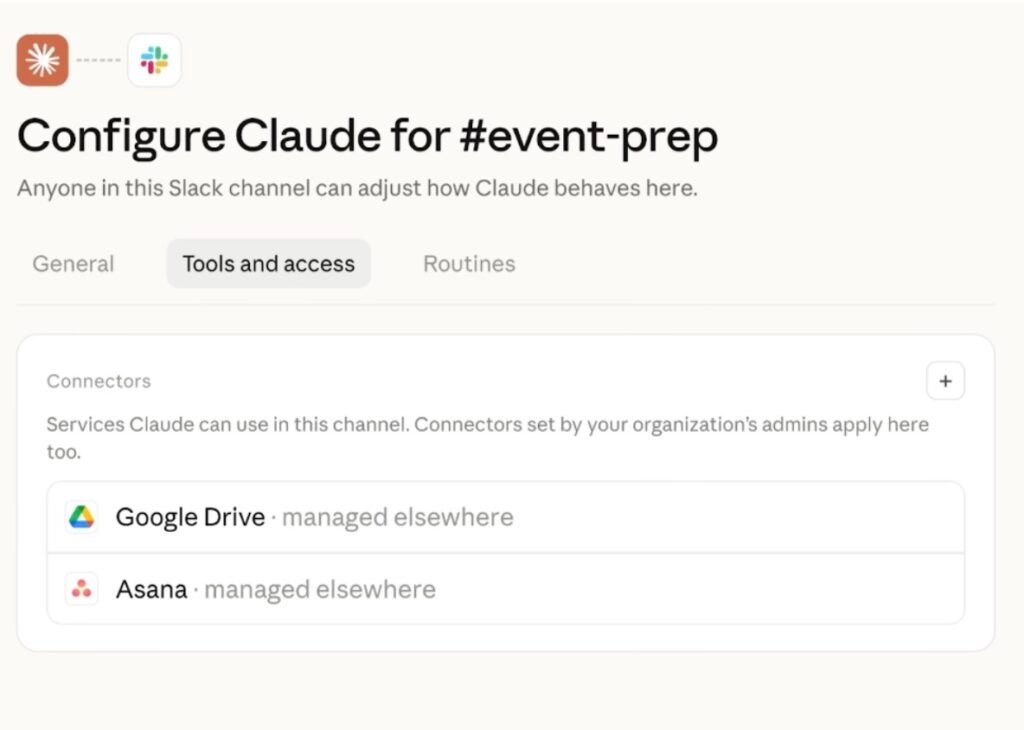
Anthropic says Claude operates under its own identity in connected systems. Administrators can decide which tools Claude can reach and can configure access for individual channels.
Slack visibility is also important. Work posted by Claude in a channel is visible to people who can access that channel.
Claude Tag is also usage-based, and Anthropic provides spending controls that organizations can use to manage its use.
The simple takeaway
Claude Tag puts Claude inside Slack and lets teams delegate work without leaving the conversation.
Its main difference from a normal AI chat is the shared workspace context. Claude can work in a channel, use approved tools, remember relevant information, and handle recurring or longer-running tasks depending on how the organization has configured it.
For teams already working heavily in Slack, that makes Claude available in the same place where discussions, decisions, and day-to-day work are happening.
Official source:
- Introducing Claude Tag — Anthropic
- What is Claude Tag? — Claude Help Center
- How Claude Tag works — Claude Documentation
- Claude Tag product page — Claude by Anthropic
- Tasks to try with Claude Tag — Claude Academy
- Best practices for using Claude Tag — Claude Academy
- Claude Tag now supports personal connectors in channels — Anthropic, September 24, 2026
- Claude Tag security and administration — Claude Help Center
- Claude Tag overview — Claude Documentation