

Salesforce’s Slackforce page opens with a bold line from co-founder Parker Harris: “You may never log in to Salesforce again.” Slackforce is how Salesforce plans to make that true. It brings your Salesforce data, records and actions into Slack.
Here’s what Slackforce includes, what’s available today and what admins need to set up.
What Is Slackforce?
Slackforce isn’t a single product. It’s a name for a group of Slack features that connect to Salesforce. Salesforce announced it at Dreamforce 2026 as part of AIforce, its plan to bring Salesforce into the tools people already use.
Slackforce has four parts:
- Slackbot: Slack’s AI assistant, which can now read and update Salesforce data
- Slack CRM: a simple CRM built into Slack for small businesses
- Slackforce Surfaces: live dashboards and reports that Slackbot builds for you
- Slack Code: a shared space where a team writes code with an AI agent
Slackbot
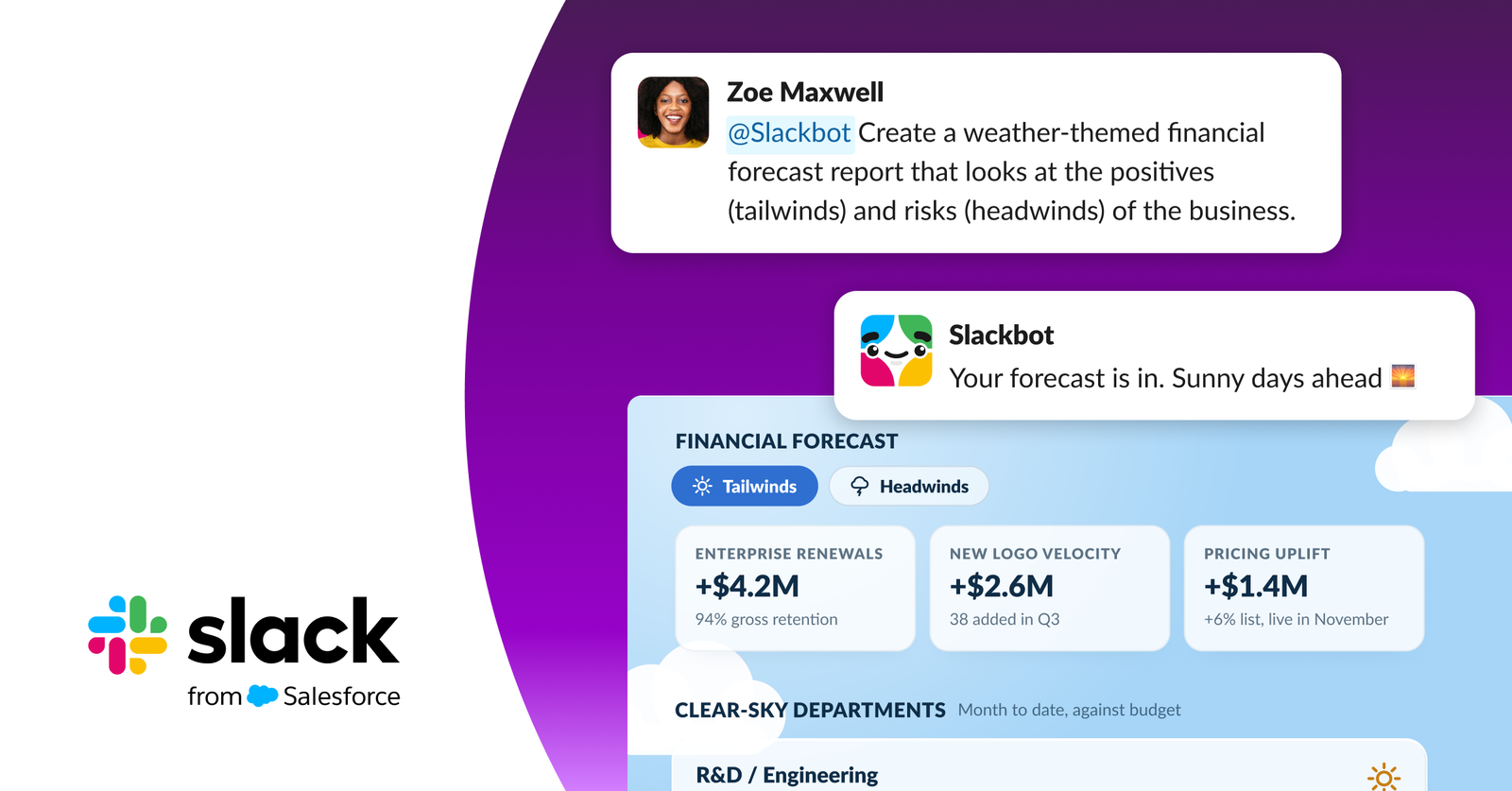
Most people will use Slackforce through Slackbot. You type a request, and Slackbot answers using your Slack conversations and connected tools, including Salesforce.
Slack says Slackbot is powered by Claude and has more than one million monthly users. You can ask it to find quiet accounts, create a follow-up task or draft an email, all without opening Salesforce.
Since October, Slackbot can also start work on its own when something happens, such as a deal moving to a new stage. You choose how much it can do without asking you first.
How Slackbot Connects to Your Org
Slackbot reaches Salesforce through Salesforce Hosted MCP Servers. MCP (Model Context Protocol) is an open standard that lets AI tools connect to other systems.
Salesforce provides standard servers for Salesforce data, Tableau and Data 360. Developers can also build custom servers that expose your own Flows, Apex actions and Agentforce agents.
That’s the important part. A standard server can read an Account. A custom server can run your company’s own “account health check” Flow. So the better your Flows and actions are, the more useful Slackbot becomes.
Slackforce Surfaces: Reports From a Prompt
Ask Slackbot for a pipeline dashboard, a leadership deck or a campaign tracker, and it builds an interactive “Surface” in Slack. You can pin it to a channel so the whole team can filter it, comment on it and work from the same view. Each Surface shows where its data came from.
Surfaces are meant to refresh automatically as your Salesforce data changes. Salesforce said this live-data feature would start rolling out in October 2026, but we couldn’t confirm it had finished by early November. Check your own workspace before relying on it.
Surfaces work on Enterprise+, Business+, Pro, Legacy and Free Teams plans where Slackbot is turned on.
Slack CRM and Slack Code
Slack CRM adds a Salesforce tab to Slack with accounts, leads and a drag-and-drop pipeline board. It’s included in Slack Business+ at no extra cost, and it runs on Salesforce, so a small business can move to the full platform later without a migration.
Slack Code gives teams a “code channel” where people and AI coding agents work together. Everyone can see the plan, the code and a preview. Agents from Anthropic, GitHub, OpenAI and others work there. Third-party agents may need their own subscriptions.
Is It Secure?
According to Salesforce:
- Your permissions still apply. Slackbot respects field-level security, object permissions and sharing rules for each user.
- Each person acts as themselves. Slackbot uses your existing Slack-to-Salesforce login, not a shared account.
- Admins control access. They decide who can use each MCP server. Limiting access to specific people and groups is available on Enterprise Grid and Enterprise+.
- Users confirm actions. Slackbot asks you to confirm before it uses an MCP tool.
One thing to watch: once data is posted in a Slack channel, everyone in that channel can see it. A Surface with pipeline numbers pinned to a large channel is visible to all its members.
What's Available Now
|
Feature
|
Status
|
|---|---|
|
Slackbot
|
|
|
Slack CRM
|
Available on Business+
|
|
Slackforce Surfaces
|
Available; live refresh rolling out
|
|
Slack Code
|
Available
|
|
Slackbot in channels
|
Early pilot
|
|
Voice and video in Slackbot
|
Coming later in 2026
|
Features can reach workspaces at different times depending on your plan.
How to Get Started
- Make sure you have a paid Slack plan with Slackbot.
- Connect your Salesforce org to Slack. Our Slack setup guide walks you through it.
- In Slack admin settings, add a Salesforce Hosted MCP Server and review the tools it exposes.
- Check permissions and sharing rules for your pilot users.
- Start with a small group before opening it to everyone.
FAQs
Is Slackforce a separate product to buy? No. Each part has its own requirements. Slackbot comes with Business+ and Enterprise+, and Slack CRM comes with Business+.
Can Slackbot see data I can’t? No. Salesforce says it follows your existing permissions on every request.
Do I need a developer? Not to start. Developers are only needed to build custom MCP tools from your Flows or Apex.
The Takeaway
Slackforce lets people work with Salesforce where they already talk about customers. How well it works depends on things Salesforce teams already manage: clean data, clear permissions and well-named automation. Start small, check permissions, and add custom tools as you go.
Want the bigger picture? Read our Dreamforce 2026 recap.